AI TOOL / #10085
DALL·E Cli
A command-line tool that allows users to generate, edit, and filter images using the DALL-E 2 API.
Introduction
Command-line tool to generate, edit, and filter images using the DALL-E 2 API.
What is DalleCli?
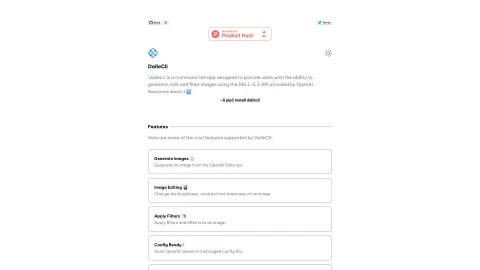
DalleCli is a powerful and easy-to-use command-line tool that utilizes the OpenAI DALL-E API to generate, edit, and filter images. It allows users to create stunning images directly from the command line, apply various effects and filters, and enhance their creativity. DalleCli provides the capability to use the DALL-E 2 API offered by OpenAI for image generation, editing, and filtering purposes.
How to use DalleCli?
Use `pip3 install dallecli` to install DalleCli. Then, use commands such as `generate`, `edit`, and `filter` to create and modify images from the command line, by utilizing the OpenAI token stored in the management configuration file.
The core functions of DalleCli
Generate images using the OpenAI Dalle API.
Adjust the brightness, contrast, and clarity of an image.
Apply filters and special effects to the image.
Store the OpenAI token in the management configuration file.
Adjust the brightness, contrast, and clarity of an image.
Apply filters and special effects to the image.
Store the OpenAI token in the management configuration file.
Related
Polymer
Polymer DSPM for AI prevents data breaches through real-time risk management and monitoring.
Lakera Guard
The AI security platform protects LLM applications from various threats, ensuring the safety of generative artificial intelligence technologies.
Brandblast
An AI-based platform for creating and automating social media content.
PlaygroundAI
An online AI tool and community center that offers meticulously curated AI resources and AI-powered tools.
ChatGPT for Twitter
A Chrome extension designed for AI-driven tweet generation, multilingual support, and AI-based tweet detection.
Humanize.io
A tool that humanizes AI-generated text to make it sound more natural and engaging.