CaptureFlow
A recording-sharing feature that can be used by both humans and AI agents.
Introduction
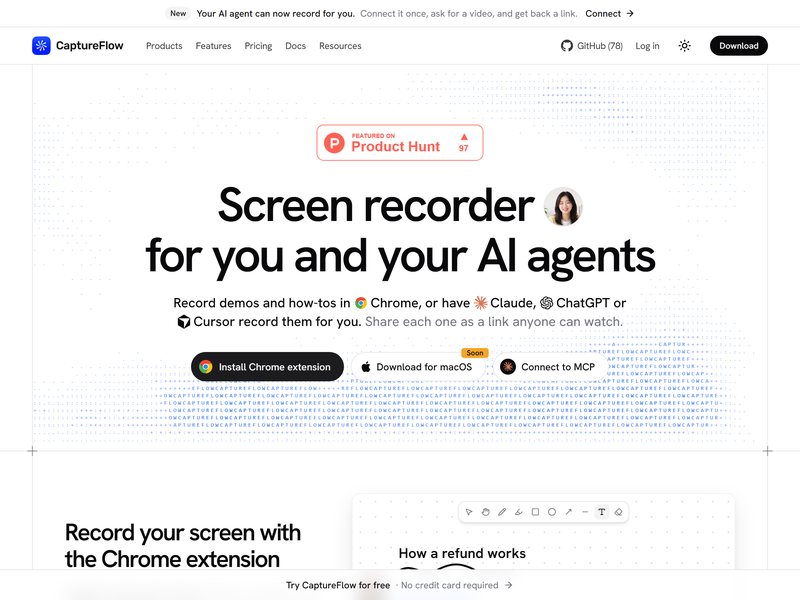
CaptureFlow is an open-source screen recording tool. After the recording is completed, it automatically generates a sharing link that can be viewed immediately by anyone who opens it. The video is also accompanied by a title, summary, chapter divisions, and subtitle text.
The innovation lies in using AI agents to record videos on your behalf: You can connect these agents to tools like Claude Code, Codex, or Cursor via the MCP interface, or add them as connectors within platforms like Claude or ChatGPT. Simply instruct the agent to record a series of browser actions, the entire screen display, or specific functionality within an application. If necessary, you can also include slides and audio commentary, and finally, the AI will generate a video link for you to use. This approach is extremely convenient when preparing product demonstrations or writing instructional guides.
Currently, the main focus is on Chrome extensions; the macOS client is about to be released. There are free quotas available, and self-deployment is also supported.
Before using it to create vertical-format short dramas, you can check in TVLab how popular shows on the same theme begin and at which episode the plot takes a turn. Then, select an inspiration card with a detailed breakdown of the scenes and use it to generate each sequence one by one, based on the camera angles specified in the card.