AI TOOL / #11824
LoudFlow
选中文字按两个键就朗读的AI语音工具
Introduction
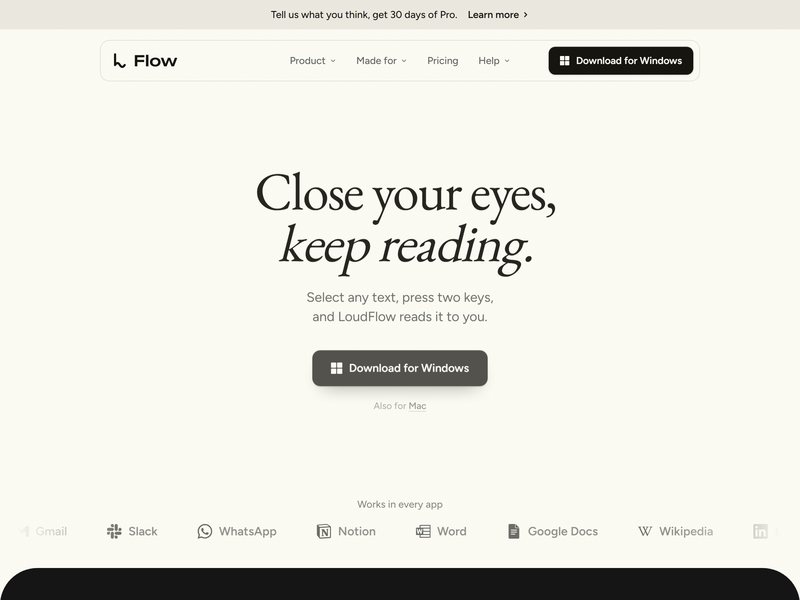
LoudFlow 是一款 Windows 和 Mac 上的文字转语音工具。在任意应用里选中一段文字,按两个键,它就用接近真人的声音念给你听,网页、邮件、Word、Notion 里都行。
官方的说法是「先想再读」。带表情符号的聊天消息、带脚注编号和页码的学术段落,它会先整理成适合听的句子再读出来,年份、时间、百分比按口语习惯念。声音可以从预设里挑,也可以做一个自己的,支持 86 种语言。
它瞄准的人群写得很明确:要赶阅读量的学生,阅读有困难或者注意力容易散的人,学外语想听每个词怎么读的人,还有想听一遍自己稿子的写作者。有免费版和 Pro 版,官网称文本只有用户自己能看到。中文的朗读自然度建议先用免费版试。
Related
Free Ai text Generator
An AI-powered online text generator that offers over 200 templates and supports more than 50 languages.
Yescribe.ai
AI-based audio/video to text transcription service with high accuracy and multi-language support.
Mail Reader for Gmail
A Gmail extension that uses TTS technology to enable the dictation and listening of emails.
Araka: Synthesis, Recognition & Translation
A Chrome extension designed for voice recognition, text-to-speech conversion, and real-time translation.
Promptheus – Converse with ChatGPT
A Chrome extension that allows voice input for ChatGPT, thereby enhancing the speed and fluidity of conversations.
Word Express
An MS Word tool used for text/image generation, audio transcription/translation, and integration with GPT.