AI TOOL / #02089
Tomat
A code-free data analysis platform that utilizes AI to process CSV and Excel files.
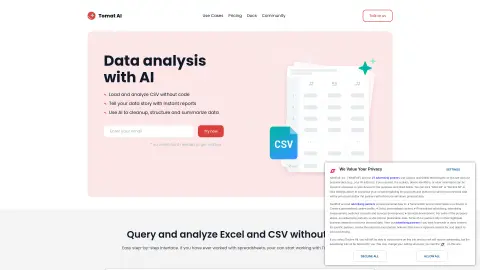
Introduction
No-code data analytics platform with AI for CSV and Excel analysis.
What is Tomat.AI?
Tomat.AI is a data analysis platform that requires no coding knowledge. It allows users to analyze CSV and Excel files through a visual, step-by-step interface. With the help of AI agents, it provides functions such as data cleaning, extraction, summarization, and sentiment analysis. Users can quickly generate reports, automate their tasks, and connect to various data sources without writing any code.
How to use Tomat.AI?
Download and install Tomat.ai. Load any CSV or Excel file. Use the intuitive user interface to perform visualizations that involve filtering, sorting, and grouping data. Take advantage of the “AI Columns” or “AI Tables” features to enrich, translate, analyze, or clean your data through natural language commands.
The core features of Tomat.AI
Code-free data analysis
AI-driven data conversion
Visual, step-by-step interface
Automatic data analysis
Data reporting and export
AI-driven data conversion
Visual, step-by-step interface
Automatic data analysis
Data reporting and export
Related
Katteb
Artificial intelligence-based writing software, equipped with fact-checking capabilities, is capable of generating credible and reliable content.
Andi
An ad-free, conversational AI search engine
WNR.AI
A platform that allows users to create and utilize images, voice, as well as custom artificial intelligence technologies for engaging in conversations.
GPUX.AI
GPU computing platform
NameSnack
An AI-driven business name generator that includes a domain availability check feature.
StockGPT
Financial Research Assistant