AI TOOL / #03976
PowerPost
PowerPost summarizes, translates and allows interaction with articles for quick insights.
Introduction
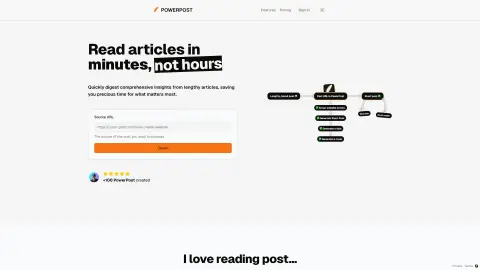
PowerPost summarizes, translates, and allows chatting with articles for quick insights.
What is PowerPost?
PowerPost helps you turn lengthy articles into quick insights. It allows you to bookmark, summarize, translate and interact with posts in your preferred language and style. Designed to help you create content and learn faster by extracting the most important information from articles.
How to use PowerPost?
To use PowerPost, you simply provide the source URL of the article you want to process. PowerPost will allow you to bookmark, summarize, translate and interact with articles. You can also choose different article styles and reading preferences.
PowerPost Core Features
Summary of a lengthy article
Translate posts into different languages
Chat feature to interact with posts
Customizable reading style (color, font, size)
Save post to read later
Content creation assistance
Translate posts into different languages
Chat feature to interact with posts
Customizable reading style (color, font, size)
Save post to read later
Content creation assistance
Related
Lingobo
AI-powered practice for professional English conversations between individuals and businesses.
Aiera Extension
A browser extension for transcribing the current tab's audio using Aiera's ASR technology.
Voice Master: Speech-to-Text Converter (Voice Recognition)
A Chrome extension designed for voice-to-text conversion and AI-powered text editing.
Lucida AI
An AI-driven English speaking coach for employees, offering personalized feedback and safe language training.
Blahget
An AI-powered voice expense tracker for convenient financial management.
VoiceWave: ChatGPT Voice Control
Enhance ChatGPT's voice control, read-aloud functionality, and multilingual support.