AI TOOL / #07082
SeeHear – Text Capture
An iPhone app that instantly converts text displayed on the camera into speech.
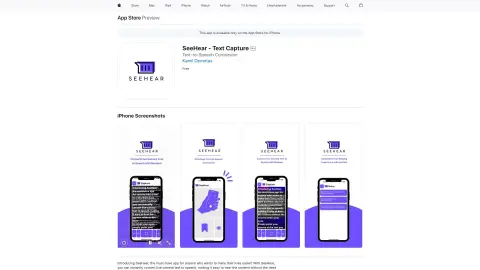
Introduction
iPhone app that converts camera text to speech instantly.
What is SeeHear – Text Capture?
SeeHear is an iPhone application that can instantly convert text displayed on the live camera into spoken words. Users can point the camera at the text, and the app will automatically recognize it and read it out aloud. Additionally, users can take photos of the text and save them for future reference. This tool is designed to assist people with visual or reading impairments, as well as those who simply want to save time by having texts read aloud for them.
How to use SeeHear – Text Capture?
Simply point your iPhone’s camera at the text you would like to have read aloud. SeeHear will automatically recognize the text and read it out for you. You can also take a photo of the text for future use.
The core functionality of SeeHear – Text Capture
Real-time text-to-speech conversion using a webcam
Save the captured text to the iPhone’s photo album.
The text size and font type can be customized.
Save and share the captured text.
Related
IntelliMuse
An AI companion application designed for creative conversations and personal growth, which allows users to customize their own “muses.”
Blockscape
Blockscape transforms your iPhone into a spatial computing portal, enabling immersive 3D interactions.
Ghola AI – Character Visualization
Ghola uses AI and background-relevant details to bring the characters in the story to life visually.
MyCharacter.ai
A dApp designed for creating and collecting interactive AI characters, which operates on the Polygon blockchain.
AI Character Generator
AI tools generate character images based on the provided descriptions.
TalkTo AI
A free AI chat platform offering a variety of AI characters for various tasks and conversations.