AI TOOL / #07091
ScreenRedact
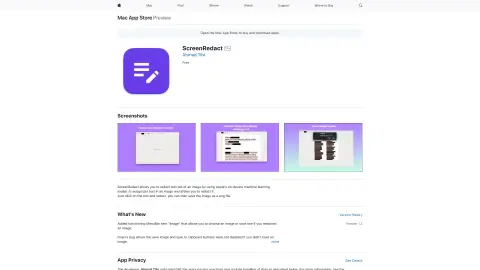
A Mac application designed to use local machine learning techniques to identify and highlight text within images.
Introduction
Mac app for redacting text in images using on-device machine learning.
What is ScreenRedact?
ScreenRedact is a Mac application developed by Ahmad Tibi that allows users to quickly conceal sensitive information from images. It utilizes Apple’s native machine learning technology to identify text within images and provides a user-friendly interface for masking those areas. The modified images can then be saved in PNG format.
How to use ScreenRedact?
Open an image in ScreenRedact, and the application will automatically detect any text present. Click on the text to darken it. Save the darkened image as a PNG file.
The core functions of ScreenRedact
Using Apple’s native machine learning technologies for text masking/darkening.
Save the image in PNG format.
Copy the image to the clipboard.
Save the image in PNG format.
Copy the image to the clipboard.
Related
BotDistrikt
A code-free chatbot platform that helps enterprises automate customer interactions and conduct background checks on potential clients.
Chatflot – The no-code AI chatbot
An AI chatbot platform designed to automate customer service and enhance sales efforts.
WhatsBotPro
WhatsApp automation bots for use in sales, support, and marketing activities.
KaraboAI
KaraboAI is a chatbot-as-a-service platform for creating customized AI chatbots.
Invisibility
Invisible Mode is a desktop-integrated AI assistant designed for Mac, powered by multiple AI models.
ChatKit
ChatKit is a refined ChatGPT interface that utilizes your own API keys and features real-time functionality.