AI TOOL / #09898
Frankenfile
An AI-powered file productivity tool designed for Mac, capable of performing various operations on files.
Introduction
AI-powered file productivity tool for Mac to perform tasks on files.
What is Frankenfile?
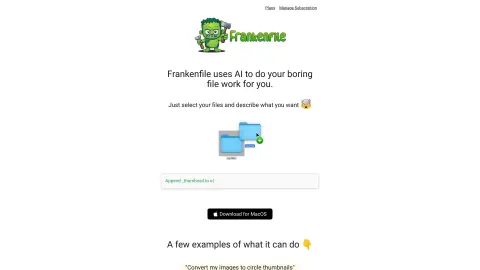
Frankenfile is an AI-powered file productivity tool designed for Mac users. It enables users to perform a variety of operations on files, such as adjusting image sizes, renaming multiple files in bulk, converting file formats, splitting PDF pages, and editing videos – all of these functions are facilitated by AI technology. Users simply need to select the files they wish to work with and specify the desired actions.
How to use Frankenfile?
Select your file and then tell Frankenfile what you want to do. The AI will perform the required action on your Mac.
The core features of Frankenfile
AI-driven file operations
Batch file processing
Local file processing (no need for uploading)
Resizing and converting images
Video modification and conversion
PDF splitting and merging
Audio file conversion and trimming
File sorting and renaming
Batch file processing
Local file processing (no need for uploading)
Resizing and converting images
Video modification and conversion
PDF splitting and merging
Audio file conversion and trimming
File sorting and renaming
Related
elDoc™
A comprehensive document processing platform offering e-signatures, workflow automation, and secure file management.
Extracta.ai
AI-based tools designed to automatically extract data from documents and images.
ZAPRO AI
End-to-end accounts payable automation software with AI-driven OCR and three-party matching capabilities.
ORC Text Snap
Tools used to extract text from images, videos, or PDF files using OCR technology.
Image2Text: Textify Images
An application that converts text within images into digital text.
@imagetotext.me
Online OCR tool to extract editable text from images for free.